How to Choose Levoit Air Purifier Filters and Use the App

Levoit Air Purifier Filters can help remove contaminants from the air.
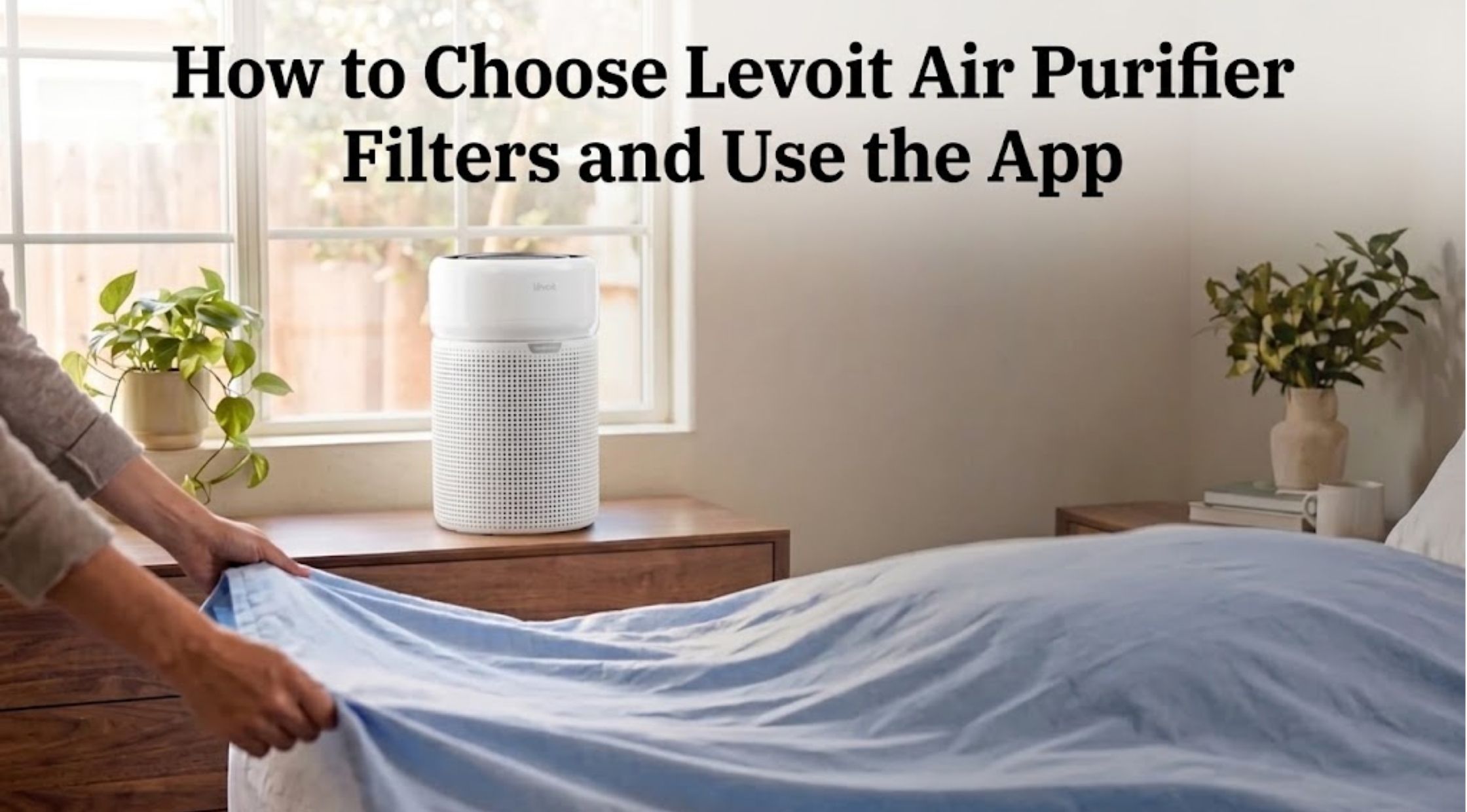
Levoit Air Purifier Filters can help remove contaminants from the air. Levoit Air Purifier Filters are designed to capture pollutants from the air.
While an air purifier can be helpful in your home, the effectiveness of the machine depends on factors beyond just the machine. You can get the best results out of your purifier with a compatible replacement filter, proper maintenance, and monitoring for signs of wear.
From looking for a Levoit air purifier filter to understanding the filters of Levoit and how to use the Levoit app, having a basic understanding can make it easier to follow the routine maintenance.
How to Select an Air Purifier Filter for Levoit Air Purifiers
The first step towards purchasing a Levoit air purifier filter is knowing exactly what model number your purifier is. Filters can be alike in appearance, but different in dimension, construction and/or fit.
Refer to the model name on your purifier, the user manual or the label. Then check the information against the compatibility information found on the replacement filter listing. For instance, Levoit will say its Core 200S-P replacement filter is compatible with the Core 200S and Core 200S-P, whereas the LV-PUR131 replacement filter is designed for the LV-PUR131 and LV-PUR131S.
Don't select a filter due to its name or general series. Before purchasing be sure you have the right model to ensure minimal risk of purchasing a filter not compatible with the system.
How to Select and Compare Various Levoit Filters
Filters for different purifier models and desired performance are available in various configurations. Some models employ multi-stage filtration, a preliminary filter, a primary particle filter and an activated carbon stage to further assist in the filtering of airborne particles and removing some odours.
There are also specialty filters for pet allergens, smoke and odours for specific household issues, available for purchase from Levoit. Please note that the types of filters available vary by purifier series; refer to the official product description for information on the type of filter each is capable of solving.
When considering options, consider:
- Compatibility: Make sure the filter works with your particular purifier.
- Filter Stages: Explain the function of the various stages of filtration.
- Specialty features: See if the filter is for issues that are specific to your house.
- Replacement guidance: Replace according to suggested service interval for your model.
- Authenticity: Purchase from a trusted seller and verify the product details.
The most appropriate filter will be the one that is compatible with your purifier and your needs at home and not the one that has the most features.
Replacement Intervals, VeSync Smart Tracking, & Maintenance
When to Replace Your Air Purifier Filter
In normal usage, a filter will accumulate particles over time. Dust and other material may build up over time and impede airflow, so it is important to regularly replace and inspect.
Replacement frequency is based on the model of the purifier, the duration of use and the air temperature. Like, in case of Levoit and VeSync, they suggest that the filter in the Core 200S series be replaced every 6-8 months, while other models might have a different replacement timeframe. If the dust, smoke, or pet dander levels are higher in the home, they may need to be changed more often.
Look for issues like diminished airflow, strange smells, greater operating sounds, or visible accumulation. The reminder indicator may not come on even these signs can suggest it is time to check the filter.
Navigating the Levoit / VeSync App Controls
The Levoit App is quite user-friendly.The Levoit App is very easy to use.
The Levoit app can be used via VeSync platform to control the users' compatible smart air purifiers. App features can be remote controls, scheduling, timers, and filter-life information, depending on the model.
To begin, download the VeSync app from the app store of your phone and follow the on-screen instructions to register and link compatible purifier. Ensure that the purifier and phone are compatible with the model.
After it is connected, try out the controls and scheduling options available. Some settings may be customizable when you're not at home, and you could also have a routine that's similar to how you spend your day. Some models may have different features, please check the appropriate manual for details if a feature is not shown.
Monitoring Filter Life via the App
Using the Levoit app, the filter life can be checked.The filter life can be checked when using the Levoit app.
If the models are compatible, the VeSync app will provide an estimated filter life. It can be easier to make replacement purchases and to monitor maintenance.
Be aware that filter-life indicators might not be a direct measurement of dust and/or pollutant removal, but rather a measure of operating time. The app can be a handy reminder, but also take into consideration your surroundings, how you use it and the state of the filter that is visible.
If a new filter is installed, follow your purifier's instructions to reset the filter indicator, if necessary. This will assist the device to start monitoring replacement of the filter at the right time.
Routine Filter Care & Sourcing Genuine Replacements
How to Maintain Your Levoit Filter
Your purifier can be kept clean between filter changes with regular cleaning. Unplug the device before performing maintenance and follow the cleaning instructions in its manual.
If the model has a preliminary layer that can be cleaned, Levoit suggests using a soft brush or vacuum hose to remove surface dust. Never wash a filter unless the manufacturer says that it's washable. Any moisture left inside a filter may promote the growth of mold or foul odors.
Ensure that the air inlet/outlets of the purifier are not obstructed. Do not use liquids near electrical parts and do not reassemble cleaned, removable parts until they are dry.
How to Choose Genuine Levoit Replacement Filters
Before purchasing Levoit filters, please look for the information on the package, model number, and seller. The Levoit recommends customers to select the same filter number as the purifier and buy from the official store or VeSync Store, which will help verify the authenticity.
Don't assume a 3rd party filter is the same because it's physically the same size as the one in your user manual; compare the products. Make sure to keep packaging and purchase information in case you need to be supported.
Conclusion
Final Thoughts on Levoit Filter Maintenance
The first step to maintaining an air purifier is to select the proper replacement filter and to follow the instructions for the particular model. Levoit air purifier filter can enable the device to perform as intended and Levoit app can facilitate maintenance reminders and everyday controls on select models.
When buying, make sure to check the compatibility, capabilities of the filter, and the recommended replacement period. Keeping your purifier in good shape is a more streamlined process with these helpful Levoit filters and proper maintenance.
Recent Blogs
-

Complete Guide: Decorating Your Garage for Halloween With GarageBuddy
-

How to Choose Cheeky Bikinis and Triangle Bikini Styles
-
How to Choose Levoit Air Purifier Filters and Use the App
-

How to Build a Comfortable Everyday Wardrobe With Baja Llama Clothing US
-

How to Choose Golf Equipment US Buyers Can Trust for Better Rounds